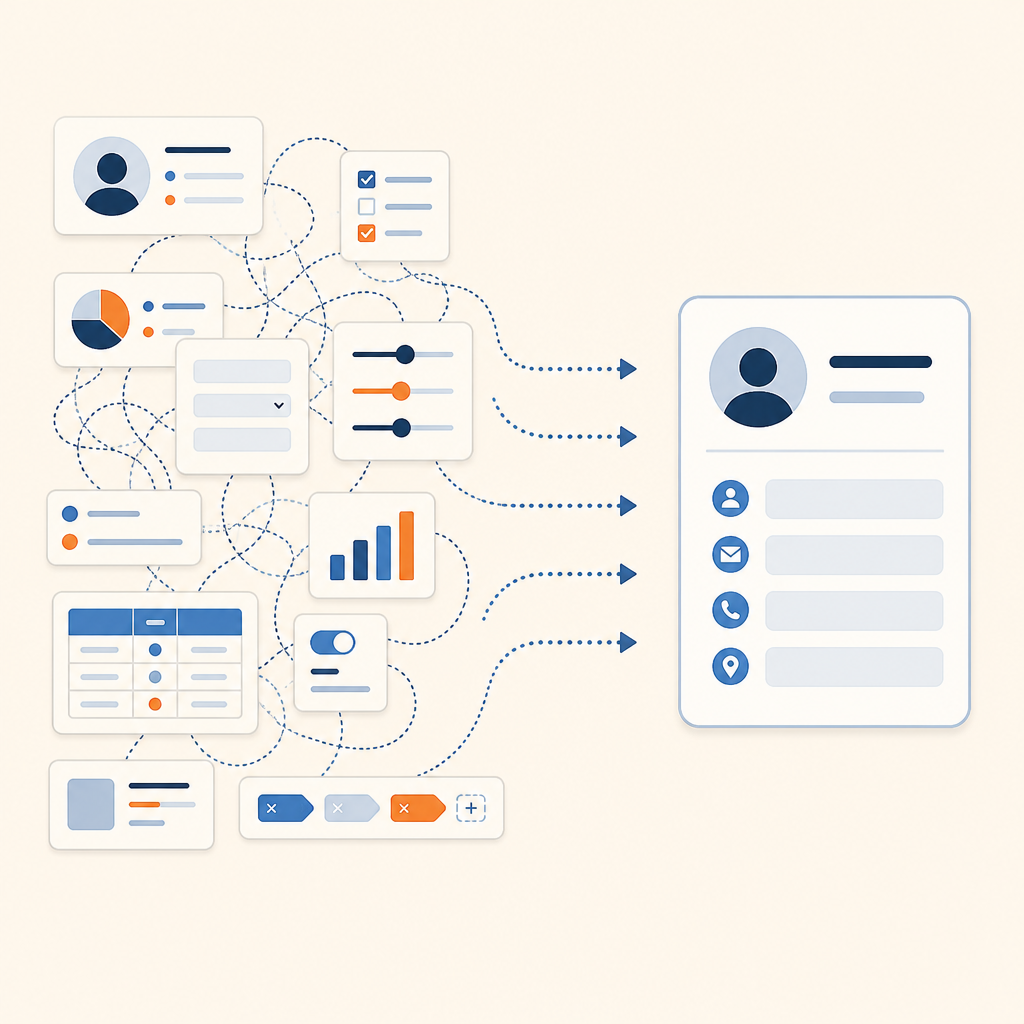
The best Zoho CRM competitor depends on why a team is leaving. A sales lead opens Zoho on Monday, finds three modules, two layouts, and a Blueprint that nobody remembers configuring, and starts wondering whether a simpler or more flexible system exists. Zoho CRM covers a great deal of ground at a fair price, and for a team that wants one vendor across CRM, finance, and support it remains a sound choice.
Here are six competitors worth shortlisting, ranked on how well each one solves the problem that sent a team looking.
Quick summary
| Rank | CRM | Best for |
|---|---|---|
| 1 | Attio | A growing revenue team that wants a CRM shaped around its own business, with AI working on live customer context |
| 2 | HubSpot | A team that wants marketing, sales, and service on one platform |
| 3 | Pipedrive | A lean team that wants a fast, visual pipeline |
| 4 | Freshsales | A small or mid-sized team that wants phone, email, and AI lead scoring built in |
| 5 | Close | A high-volume outbound team that lives on calls, email, and SMS |
| 6 | Salesforce | A large organization with complex processes and dedicated admins |
Why teams look past Zoho CRM
Zoho CRM is built as a configurable suite. Custom modules, page layouts, Canvas, Blueprint, and Custom Functions let an admin shape almost anything. The same depth means setup takes time, and a team without an admin often leaves capability unused. Several of the strongest features, including Blueprint and inventory management, start on the Professional plan, and AI usage varies by tier.
The second pressure is context. Reps want email, calls, meetings, and product signals on one record that stays current without manual entry. Teams that sell through partners, track usage, or run AI agents against their pipeline tend to look for a CRM with a more flexible data model and a modern developer platform.
What to weigh in a Zoho alternative
- How fast the data model bends. Check whether the person doing the work can add an object, field, or view, and on which plan.
- Where automation stops. Look at triggers, branching, and whether an AI step can read a record and write back to it.
- How much logs itself. Email, calls, and meetings should land on records without a rep typing them in.
- Total cost at your real headcount. Price the seats, add-ons, and AI usage you expect to use, not the entry tier.
The 6 best Zoho CRM competitors
1. Attio
Best for: A growing revenue team that wants its CRM to match its own business model, with automation and AI that act on live customer context.
Attio is the agentic CRM for teams that want to build their own go-to-market system. Custom objects, lists, and attributes model partners, accounts, or usage directly, and email sync creates people and company records from conversations a team already has. Workflows and Ask Attio then work from that shared context, drafting follow-ups, researching accounts, and surfacing the deals that need attention. Setup is a matter of defining objects and stages in the workspace, with no admin certification required.
Strengths:
- Custom objects, lists, and views match the data model to the business without engineering help.
- Call intelligence records, transcribes, and summarizes meetings onto the record.
- Workflows and custom agents automate routing, enrichment, and follow-up from a visual canvas.
- A REST API and MCP connect Attio to the rest of the stack.
Weaknesses:
- A first session of setup is needed to define objects, fields, and stages.
- Native phone dialing is not part of Attio, so a team that cold-calls all day will pair it with a dialer.
Pricing: Plans listed at attio.com/pricing. Learn more: attio.com
2. HubSpot
Best for: A team that wants marketing, sales, and service on one platform, starting from a free CRM core.
HubSpot spans forms and landing pages, sales sequences, a help desk, and reporting under one login. Records log emails, calls, and meetings automatically, and custom objects extend the data model beyond standard records. For a team leaving Zoho because marketing and sales need to share one record, the single platform is the draw.
Strengths:
- A free CRM core with unlimited users.
- Sales Hub sequences, a power dialer with voicemail drop, and conversation intelligence.
- A visual workflow builder that runs across marketing, sales, and service.
- Custom objects and associations for business-specific data.
Weaknesses:
- Cost climbs with each hub, seat, and AI feature.
- Deeper customization and permissions sit on paid tiers.
Pricing: Plans listed at hubspot.com/pricing. Learn more: hubspot.com
3. Pipedrive
Best for: A lean sales team that wants a fast, visual pipeline a new rep can use without training.
Pipedrive is built around a drag-and-drop pipeline and an activity-based approach to selling. Multiple pipelines handle different products or teams, two-way email sync logs conversations, and the Marketplace lists 500+ integrations. Teams moving from Zoho often cite the shorter learning curve.
Strengths:
- A drag-and-drop pipeline with multiple customizable stages.
- If-then automation builder with branching and wait steps on the Growth plan and above.
- AI Email Writer and an AI Sales Assistant for drafting and questions about pipeline data.
- Custom fields across deals, leads, contacts, and organizations.
Weaknesses:
- Lead generation, campaigns, and project tools are separate add-ons.
- The standard objects fit a single sales motion better than a multi-object business.
Pricing: Plans listed at pipedrive.com/en/pricing. Learn more: pipedrive.com
4. Freshsales
Best for: A small or mid-sized sales team that wants phone, email, and AI lead scoring built in from day one.
Freshsales, from Freshworks, combines a browser-based phone, two-way email sync, kanban deal pipelines, and automatic deduplication. Freddy AI scores leads from engagement signals and tags open deals as likely to close or at risk. Its price and breadth sit close to Zoho’s, with a lighter interface.
Strengths:
- Built-in calling with automatic logging and recording.
- Sequences that run email, call, SMS, and task steps.
- Visual workflow builder with templates for lead routing and follow-ups.
- Custom fields and modules to adapt the data model.
Weaknesses:
- Freddy works from data already in the CRM and does not bring in outside signals.
- AI forecasting is limited to the Enterprise plan.
Pricing: Plans listed at freshworks.com/crm/pricing. Learn more: freshworks.com/crm
5. Close
Best for: A high-volume outbound team at a startup or small sales group that lives on calls, email, and SMS.
Close puts calling, email, and texting inside the lead record, so every touch logs itself. A power dialer works through a list one number at a time, a predictive dialer on higher plans connects a rep only when a person answers, and Smart Views keep the daily call list ordered. Chloe, its AI sales agent, handles notetaking and research.
Strengths:
- Built-in dialer with call recording and transcription.
- Email sequences and SMS from the same record.
- Smart Views for saved, filterable lead lists.
- Lead routing rules that spread inbound leads across reps.
Weaknesses:
- Built for sales teams, with no marketing automation.
- Predictive dialing and call coaching sit on the Growth plan and above.
Pricing: Plans listed at close.com/pricing. Learn more: close.com
6. Salesforce
Best for: A large organization with complex processes, multiple business units, and admins to run the platform.
Salesforce covers sales, service, and marketing with Flow for point-and-click automation, a deep object model, and the AgentExchange marketplace. Agentforce lets admins build AI agents with natural-language instructions. It reaches further than Zoho on enterprise needs, and asks for more configuration and ownership in return.
Strengths:
- Custom objects, relationships, and page layouts for a fully tailored data model.
- Flow Builder for record-triggered, screen, and scheduled automation.
- Advanced forecasting by rep, team, or region.
- REST, SOAP, GraphQL, and Bulk APIs for large integrations.
Weaknesses:
- Implementation and ongoing admin work are significant.
- A small team will use only a fraction of the platform.
Pricing: Plans listed at salesforce.com/editions-pricing. Learn more: salesforce.com
How to make the switch
Moving off Zoho starts with an export of leads, contacts, accounts, deals, and the custom module data in active use. Leave behind the fields nobody has filled in for a year, and decide which system owns each record before the first import. Blueprint rules and workflow rules do not export as logic, so write down the process they enforce and rebuild it deliberately.
Run the last two finalists against a real quarter of pipeline with two reps working their normal week in each. Friction shows up on the second day of use, not in a demo. For the wider comparison across every CRM worth evaluating, see our guide to the best CRM software for revenue teams.
FAQs
Is Zoho CRM still a good choice for a small team?
Yes. For a cost-conscious team already using other Zoho apps, the suite integration is a real advantage. The case for moving starts when setup time, AI limits, or data model needs begin to outweigh the price.
Can I import my Zoho CRM data into another CRM?
Yes. Every CRM on this list accepts CSV imports of leads, contacts, accounts, and deals. Map Zoho’s custom fields to the new system’s attributes first, and run a small test import to check how deals and linked records connect.